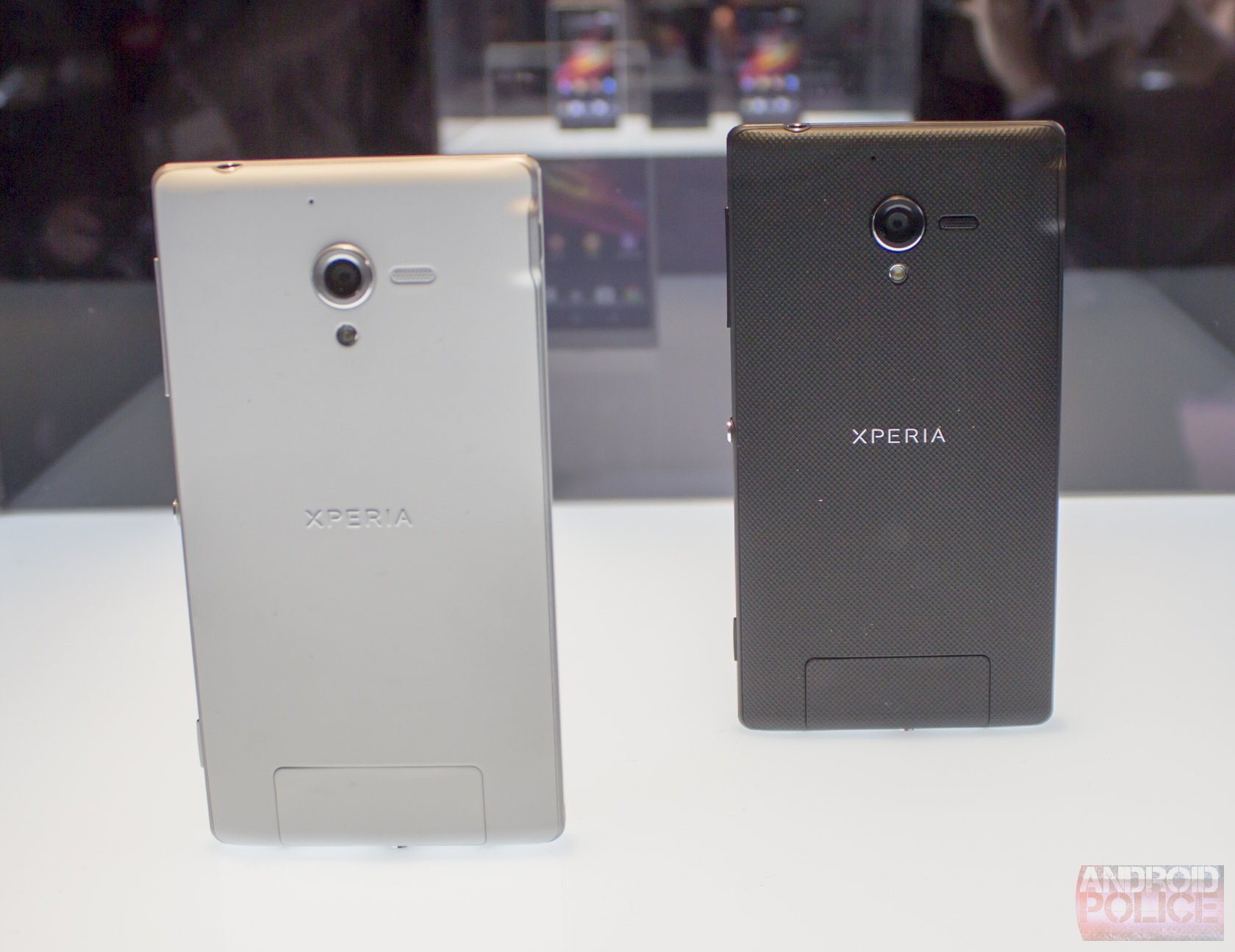
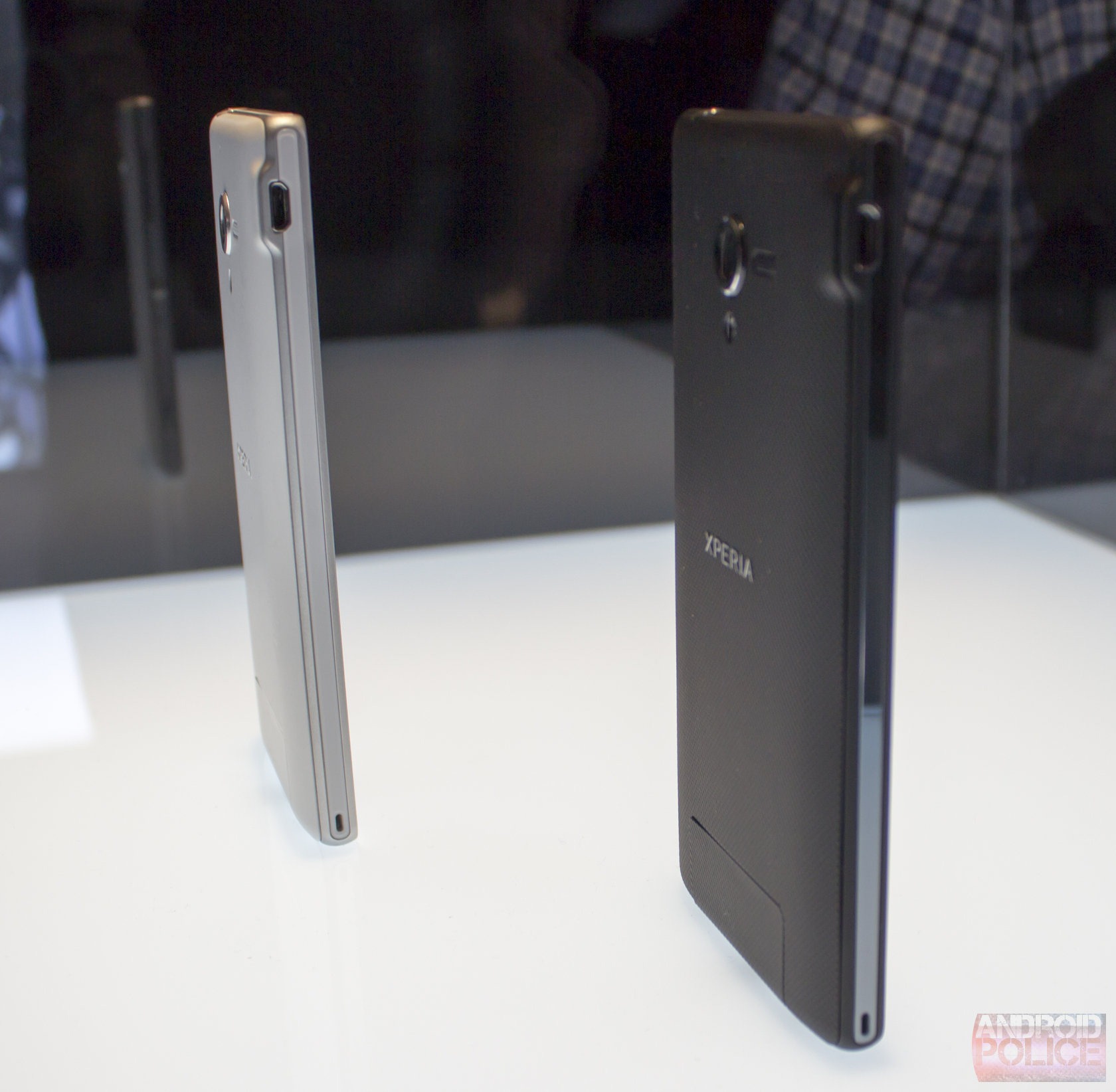
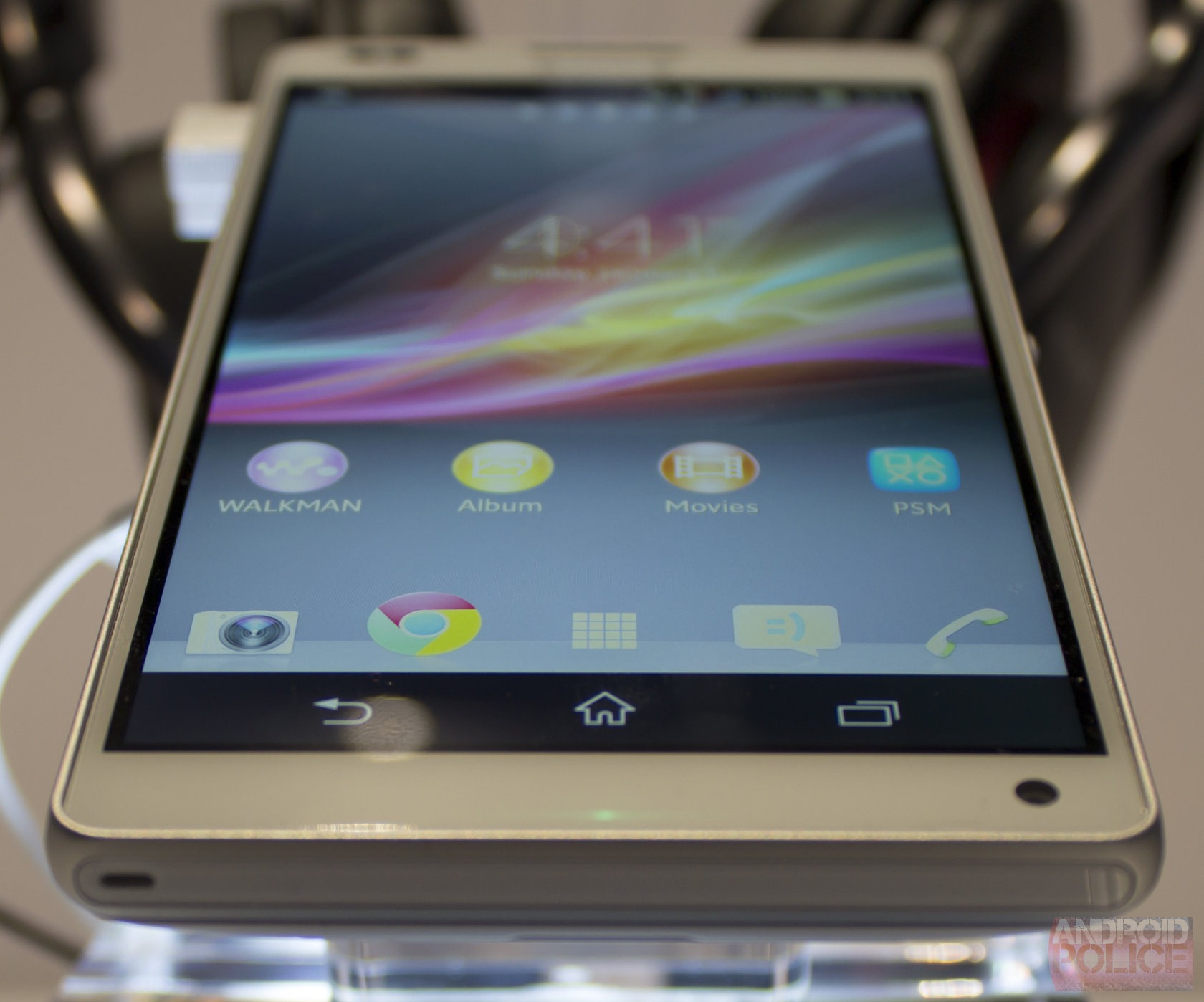
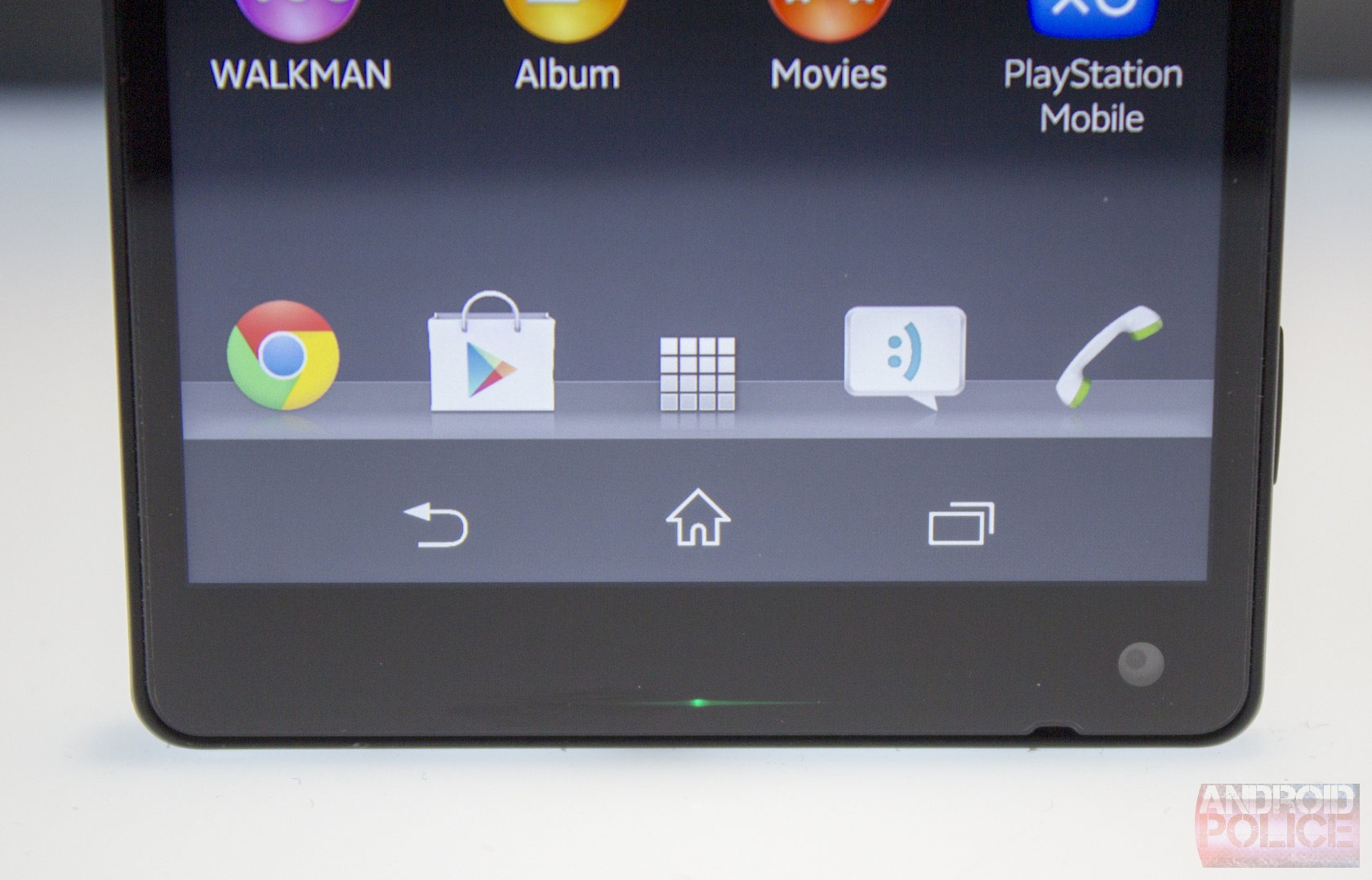
BlackBerry’s newest all touchscreen flagship was announced at a strange time, amid talks of the company courting talk of acquisitions. Nonetheless, it comes out of the gate swinging with the BlackBerry’s largest touchscreen to date – a full 5-inches, a powerful 1.7 GHz dual-core processor and the newest version of the BlackBerry 10 operating system on board.
But will that be enough to tempt buyers away from the more frequently chosen iOS and Android devices?
Design and hardware
Opening up the Z30′s box, I found the handset, charger, cables, headphones and the assorted little pieces of paper with things like warranty info. In our box, there was also an external BlackBerry battery booster pack (BlackBerry MP-2100 Mobile Power Charger) for the Z30 and a white leather case. We’d be surprised if these two items were included in the retail version as standard, though it would be a classy touch from BlackBerry if they were.
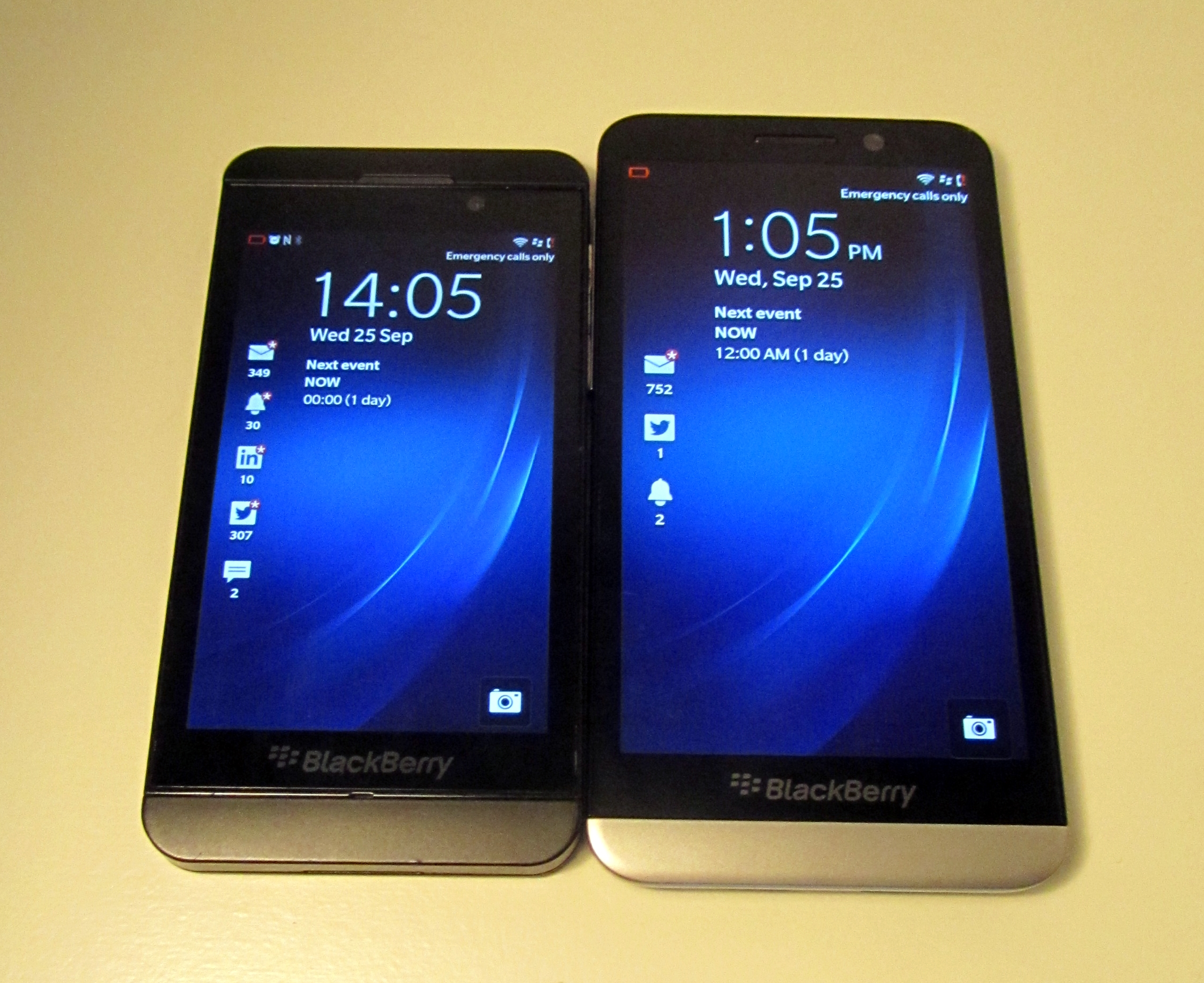
The BlackBerry Z30, while a part of the same series and bearing some resemblance to its Z10 predecessor, instead features all curved edges where the Z10 had straight-edged sides. If I was going to describe how the phone feels in the hand in one word, I’d say ‘smooth’, the same goes for the the actual touch on the display too. The official measurements are 140.7mm x 72mm x 9.4mm.
The overall result of the slight design tweak for the upscaling in size is that it’s actually much nicer to hold in the hand and more comfortable to use than the Z10, and I’m not that much of a fan of handsets of 5-inches or larger.
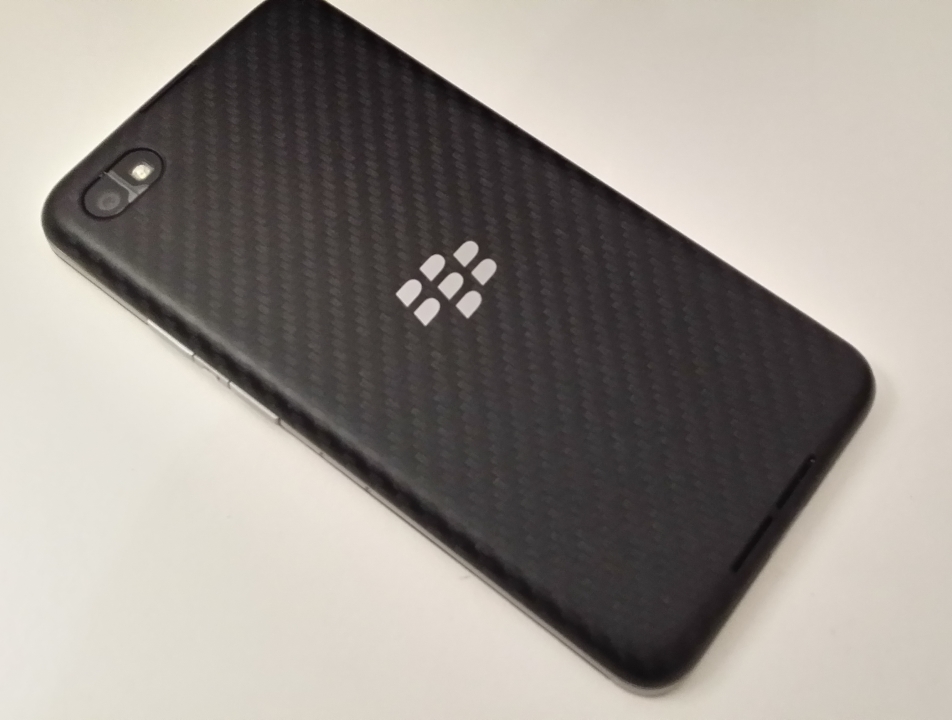
Around the outside of the chassis and below that 5-inch Super AMOLED display you’ll find a metal surround, adding a touch of class to the device and a few grams to the overall weight. The rear panel, however, is removable – and made of BlackBerry’s woven carbon fiber, but feels a little rubbery. Underneath is where you can pop in a micro SIM or micro SD card to expand on the 16GB of internal storage. Much as I like the option of adding a micro SD card, I didn’t enjoy the experience of really having to yank quite hard on the rear panel to remove it but I suppose it’s not something you do too often, unless you are forever hot-swapping.
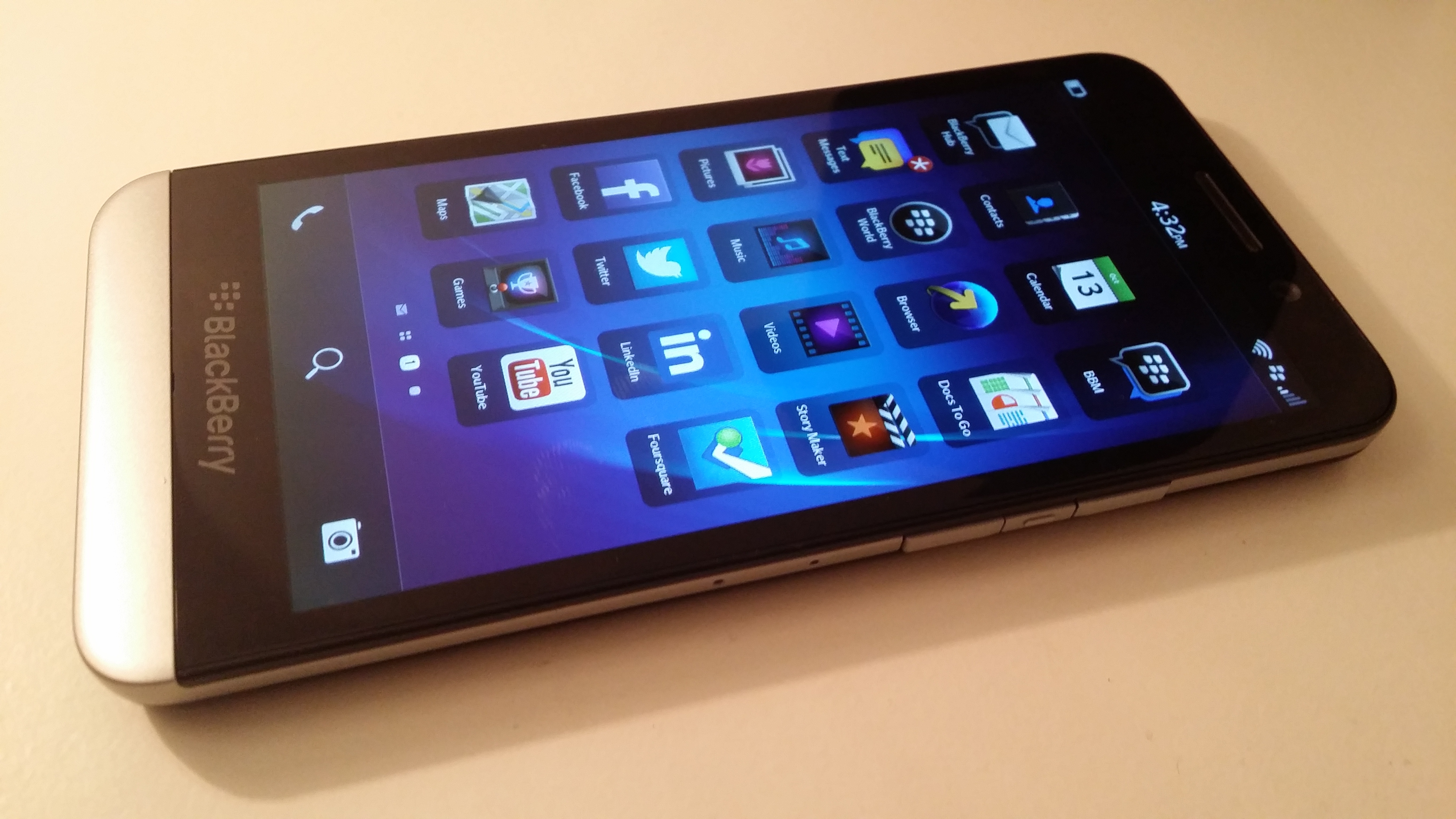
Despite that non-metal rear panel, the large-capacity battery, metallic elements of the chassis and that slab of a display all combine to make a rather weighty device – 170 grams to be precise. It’s hardly going to be a problem in terms of using it or carrying it around but it’s worth bearing in mind if you’re used to the super-slim handsets of late. On the plus side, the weight helps with the feeling that you’re using a high-quality device.
On the right side of the device, you’ll find volume controls and button for accessing the voice control system quickly, and on the top in the center there’s the power button. Slightly to the right of this, and on the front of the screen is the forward-facing 2-megapixel, fixed-focus camera capable of capturing 720p HD video or stills. An HD selfie is what everyone needs, naturally.
Hardware
As we noted in our quick preview with the Z30 last month, the size and quality of the display really bring the experience delivered by the Z10 on in leaps and bounds. The resolution does however max out at 1280 x 720 pixels with a 295 PPI rating, making it good but not best in class and actually lower than the Z10′s display. Other range-topping devices like Note 3, HTC One, iPhone 5 s and others can all offer better displays.
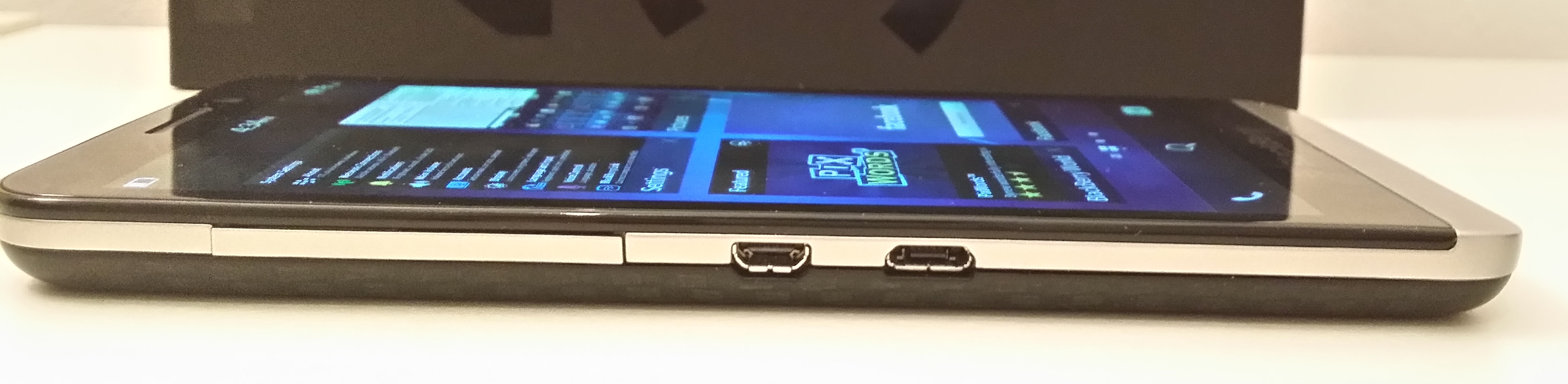
That said, it’s mostly clear and crisp enough – it’s just a little lacking in brightness in comparison and images certainly don’t ‘pop’ in the same way they do on some of the devices mentioned above. However, as noted, there is a micro HDMI output so there’s always the option of watching back movies on a connected display.
Also as noted before, BlackBerry hasn’t gone to town on the 8-megapixel camera as a point of differentation, and as a result it’s a completely unremarkable experience that follows the general rule of smartphone cameras. ‘Can take decent pictures in bright, well-lit conditions, otherwise all bets are off the table’. Again that’s not to say it’s particularly bad, simply that there’s better out there if what you want out of a smartphone is above-average camera performance. For every day snaps, it should do you fine but if you want perfect shots, you’ll need to spend a long time setting everything up manually – which was more effort than it was worth, for me.
Other notable hardware specs include 4G LTE support, 16GB of on board storage, NFC support, Bluetooth 4.0 and a 1.7 GHz processor. Helping it all tick along smoothly is 2GB RAM. And it does, for the most part, run smoothly. Navigating around the phone was snappy.
Software
The Z30 uses the most recent BlackBerry 10.2 version of the operating system which brings a few tweaks to the platform, such as being able to respond to notifications and other messages without having to navigate away from whatever you were already doing. It’s evolution rather than revolution but a useful feature without a doubt.
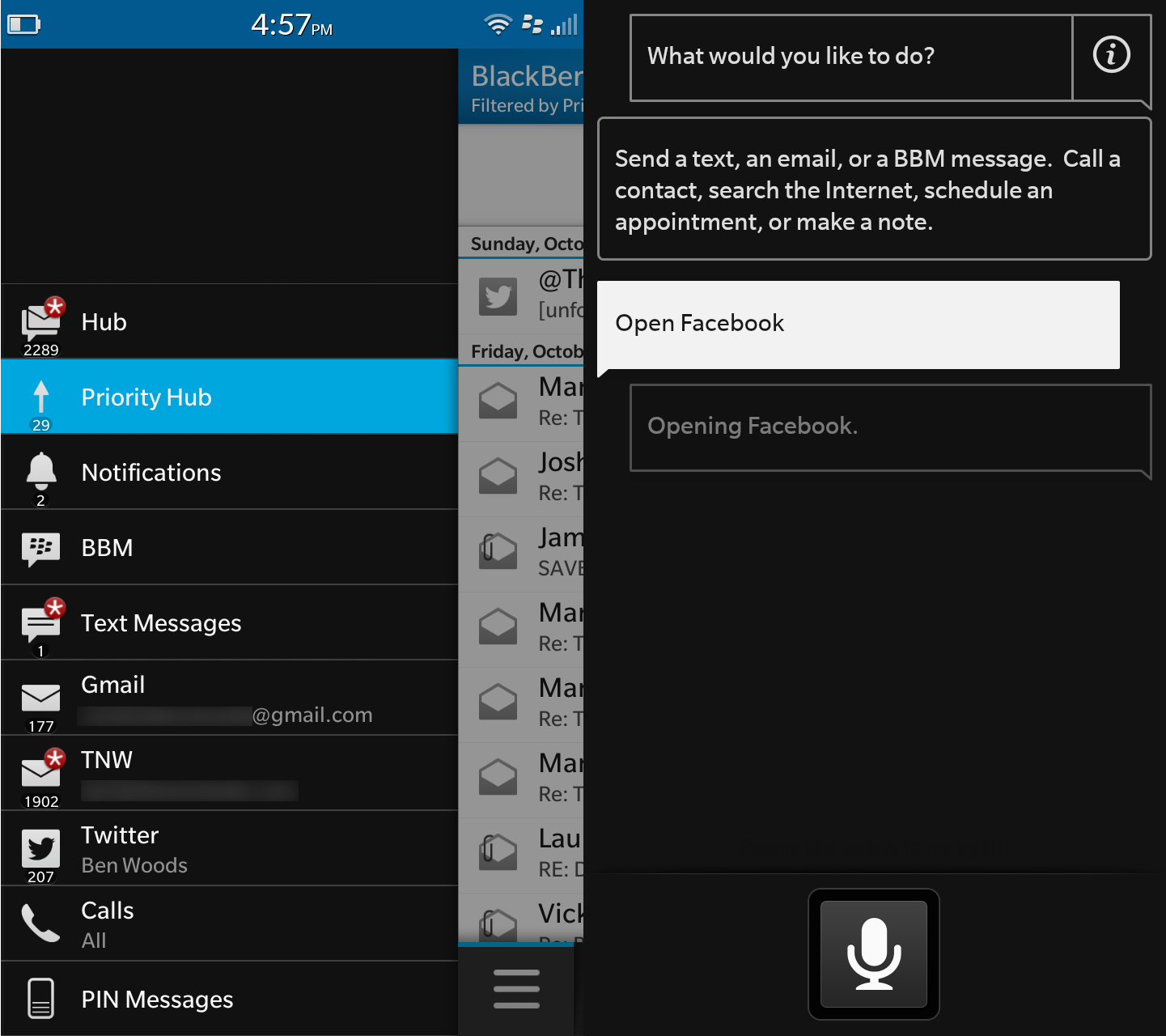
The new version also brings a new Priority Hub to BlackBerry’s devices, which allows you to see messages that are important to you at the top of your inbox. To teach it whether something is or isn’t a priority message you simply hold your finger down on it and click either ‘Add Priority’ or ‘Remove Priority’. It works too, providing you spend the time teaching it a few things to start with.
As with the original version of the Hub, it integrates all your messages, emails, IMs, Twitter, Facebook, LinkedIn and any other connected accounts into one universal inbox. Thankfully, there’s the option of filtering on a per-account basis too.
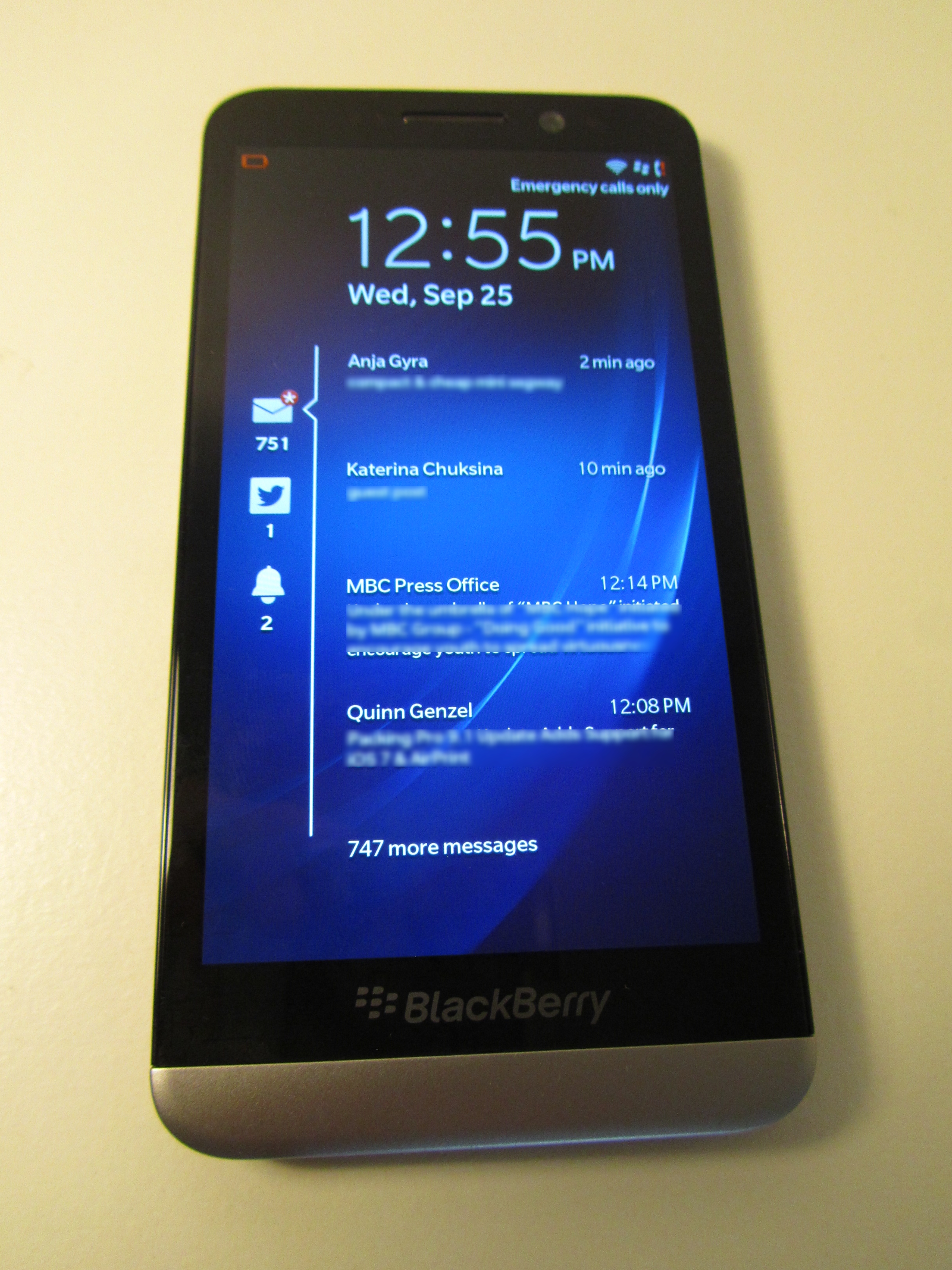
Also new for 10.2 are the detailed lock screen notifications that show you the detail of messages and other notifications without having to unlock/open your device (if there is no PIN code present), which is handy (shown above).
The OS also keeps true to BlackBerry 10′s ‘Peek and Flow’ navigation philosophy too, allowing you to ‘Peek’ at messages (below) and updates in your Hub without actually navigating away from whatever you were looking at before and thus allowing you to ‘Flow’ your way around the device. It works surprisingly well, and helps the Z30 in the area where I consider it strongest: as a communication device.
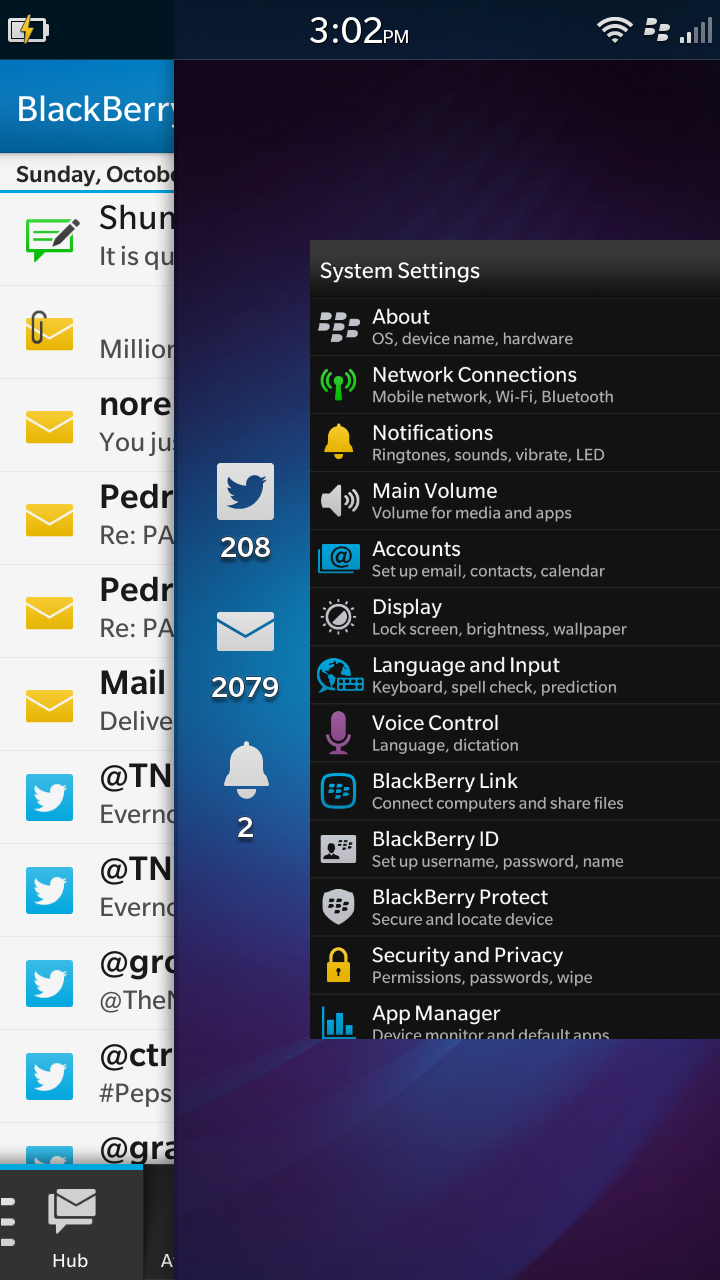
BlackBerry’s heritage (and likely future) is in the enterprise space, so it’s little surprise that I think the Z30 does best is work as a communication tool. The predictive text and on-screen keyboard, in particular, I really like despite having gotten used to the Swype input on Android. Thankfully, the predictions are pretty smart and I love the way they show up in-line with the letter being pressed on the keyboard rather than in a list. Over time, the keyboard actually gets better too as not only does it learn the way you write, but it also learns exactly where abouts you hit each key. By adjusting a virtual second keyboard by tiny amounts, it ensures you’re always hitting the key you intended even if you’re actually a little bit off.
Call quality was good too, not stellar, but clear if a little on the quiet side. The other party also said it sounded clear and was without tinniness or echo.
However, while I love the Z30 as an actual tool for SMS, email and other messaging, BlackBerry 10 devices have never been the quickest at booting-up to a usable state, in this case, to a point where the BlackBerry Hub was open and showing messages. On average, it took 1 minute 40 seconds exactly to get to that point, which seems somewhere between ‘a little slow’ and ‘actually really quite annoying’ for me. Perhaps you’re more patient though.
I’m obliged to mention the A word here. Apps.
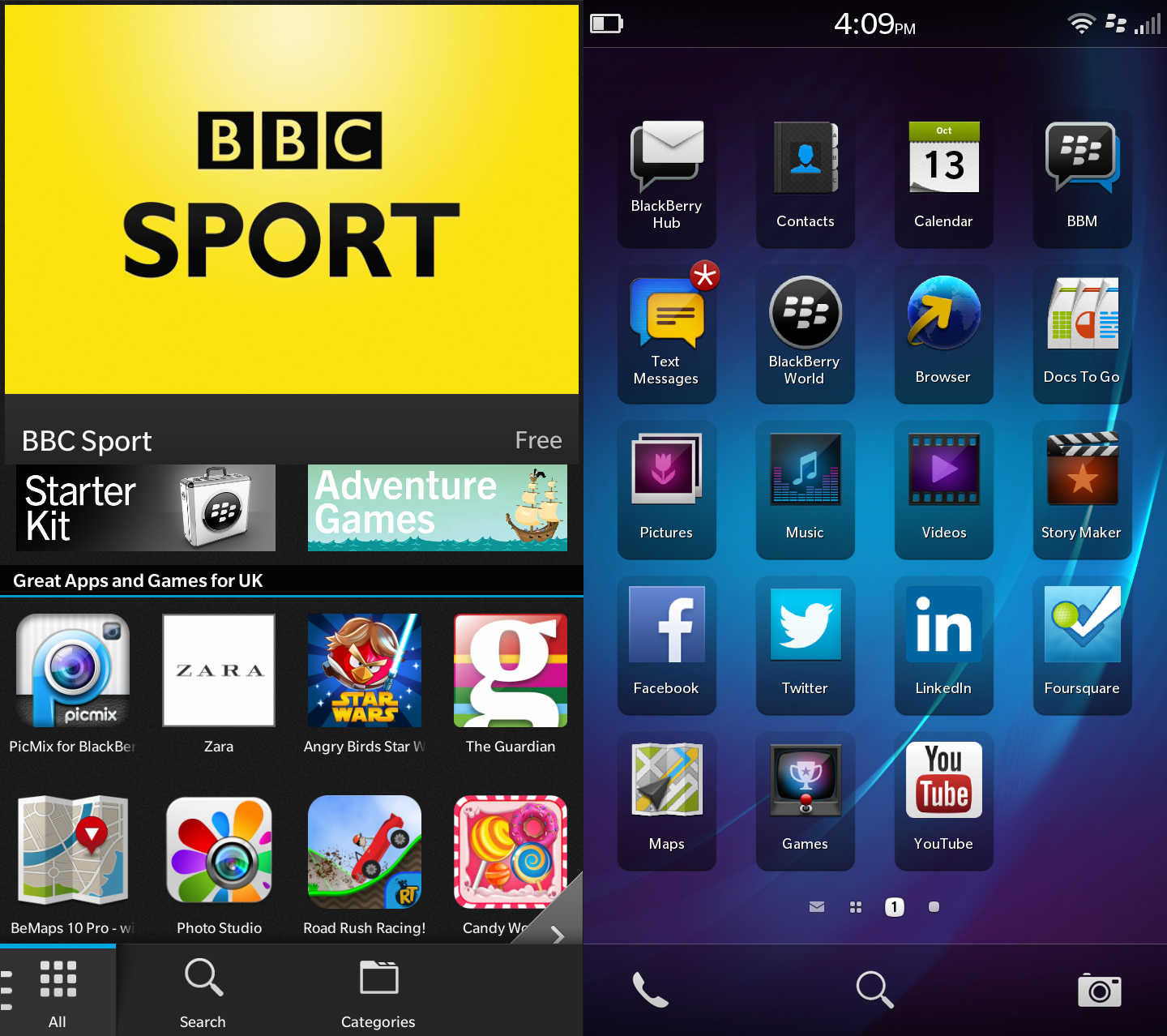
BlackBerry has, and is still, making strides to add new apps to the BlackBerry World store (above left) every day, but short of building every major app itself can’t possibly attract them at a fast enough rate to convince users that it’s on a par with the rival platforms.
You’ll find direct integration with the biggest services like Facebook, Twitter, LinkedIn and others like Drobox via Dropbox Connect. There’s also shortcuts to favorites like YouTube out of the box. However, if you’re looking for an all-singing, all-dancing entertainment center that can rival the sort of software found on recent Samsung, Apple or HTC devices, you’ll be disappointed. There’s no gaze control, biometric reader, or IR blaster to use it as a remote control for your TV. It’s an altogether more sombre affair.
Naturally, if you’re a BBM user, this handset will deliver as good as an experience as you can get on a touchscreen and offers support for advanced features like screen sharing and video calling.
The key problem with BlackBerry’s app situation is that while it’s not necessarily lacking in numbers and is trying to make sure all the biggest names are on board, with its current future looking uncertain, there’s little to encourage developers to put time and resources into building for the BlackBerry OS, certainly not ahead of more popular platforms. This isn’t a problem that’s likely to be fixed in the short term and ultimately depends on what happens around it being purchased. For now though, the essentials are just about there.
While I said above that it did mostly provide stable performance, it did on a couple of occasions require a restart (or the threat of one, by holding down the power button) to get out of a loop/freeze that it had gotten itself in to. It didn’t seem to be a problem associated with multi-tasking though.
Similarly, other features like voice control (above right), while present, are less accurate and fully formed than those found on rival devices. You can do things like send a message, an email or open apps (Facebook, above), but it can’t be used for controlling the hardware and doing things like switching Bluetooth on and off. Recognition of words was a little hit and miss too, rendering the whole process a little frustrating.
BlackBerry claims the Z30 has a 25 hour mixed use battery life, and I wouldn’t argue with that. It easily saw me through a day’s use without threatening to die. Whether that’s because there are less features and apps that I found myself using in comparison to other handsets tested could also be a part of that equation though.
One feature I’m torn on is the BlackBerry Maps. I actually like the driving directions and traffic info, but having used Google Maps for so long I’ve gotten used to a little deeper level of detail and options. For a core experience though, it’s not bad.
Easily the best
This is easily the best BlackBerry 10 device on the market, particularly if you’ve never been particularly taken with its physical keyboard. Nevertheless, answering the question of whether you should buy the BlackBerry Z30 is a tricky question. If you’re a BlackBerry fan and you’re buying for now and the immediate future, then the Z30 is a no-brainer if you want to stick with the Canadian brand. Its hardware design and software tweaks alone make it a worthwhile successor to the Z10 – and its one of only a few phones that carries a 5-inch display well.
However, the display is only 720p which is a bit of a disappointment and leaves it falling a little short of its rival equivalents. That’s not to say it performs badly, but if you’re comparing like for like, the Z30 comes up a little short.
On the plus side, the hardware support is solid on the Z30 and I’m always a sucker for handsets with a micro HDMI output and support for a micro SD card to give a bit more storage room.
Ultimately, I can’t escape the feeling that BlackBerry is still playing catchup with the Z30. It has a perfectly solid spec list and performs equally as reliable, if you can overlook a rare freeze and slow boot. But with rivals on the market pushing the boundaries of what their ‘hero’ handsets offer in terms of softwareand hardware , it feels as if BlackBerry is still having to go at full-speed to just about stay up to date and in the running, and for how long is anyone’s guess. The performance of the Z30 on many fronts is a word I’ve used many times – solid. But solid is rarely exciting and there’s little remarkable about the Z30 to shout about.
If you love BlackBerry smartphones and are willing to live with a few foibles to have a great communications tool, then consider the Z30, but if you want something a little more exciting, something that’s equal to more than the sum of its parts then you might want to try before you buy to avoid disappointment. As the headline says, the problem for the Z30 isn’t with the hardware or the software, it just lacks something special to help it stand out from the crowd.
 By Rob Enderle